Webinar countdown timers for email
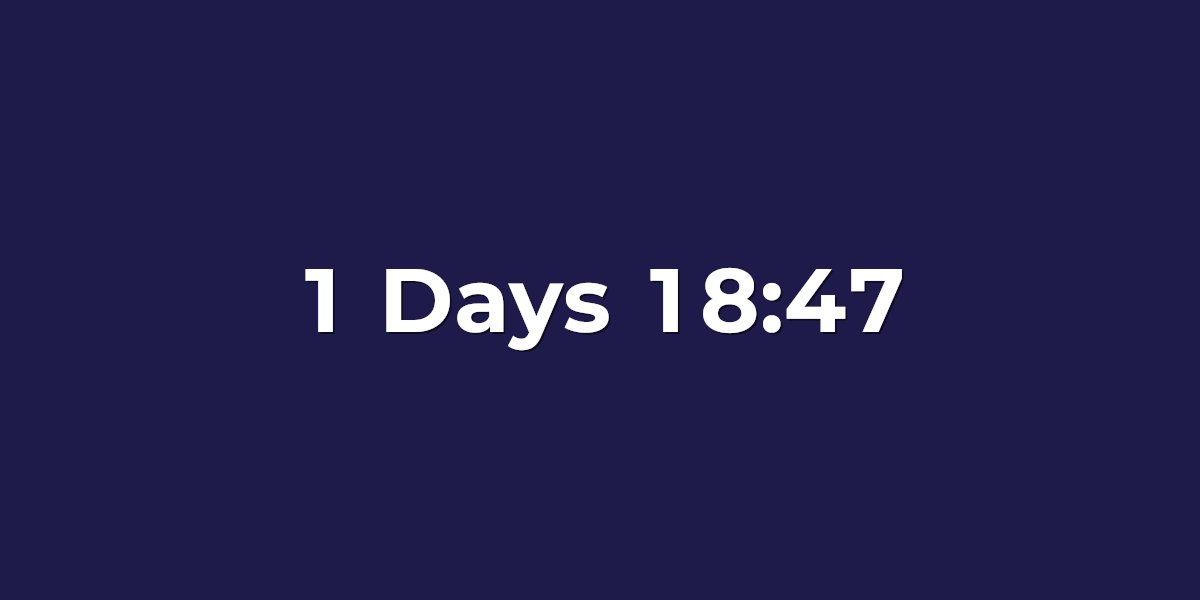
Reminder emails are what actually get registrants to show up — and a live countdown turns "starts at 2 PM Eastern" into something visceral: starts in 3 hours. UrgencyKit renders the countdown as a standard image, so it works in Gmail, Outlook, and every other client your registrants use, with no JavaScript.
One embed, your whole reminder sequence
Because the image renders fresh on every open, the same embed URL stays accurate across every email in your sequence:
- Registration confirmation — "your seat is booked, we go live in 5 days".
- Day-before reminder — the countdown now shows hours, raising urgency on its own.
- Morning-of reminder — down to hours and minutes.
- One-hour warning — the final push, same image URL as the first email.
You build the timer once and paste it four times. No re-exporting, no per-email math — every open shows the real time remaining.
How to add a countdown to your reminders
- Create a campaign in UrgencyKit with your webinar's start time and timezone.
- Style it — match your event branding with backgrounds, fonts, and colors.
- Copy the embed and paste it into every email in your sequence — it works in Mailchimp, HubSpot, Klaviyo, or any platform.
- Set the expired state — see below.
width="600" alt="Webinar countdown">
No timezone confusion
"2 PM Eastern" makes every registrant do mental math — and some get it wrong. A countdown shows time remaining, which is identical for every viewer everywhere. You set the start time and timezone once; every render is computed from it.
When you go live
The moment the countdown hits zero, the timer switches to a custom expired state — an alternate image saying "We're live — join now", or a replay announcement for anyone opening late. Reminder emails sitting in inboxes never show a stale countdown.
Automated webinars: a countdown per registrant
Running evergreen or on-demand webinars where each registrant picks a slot? Replace the embed's
?end= value with your platform's merge tag holding each registrant's session time, and
every reminder counts down to that person's session. See how
evergreen countdown timers work.
Frequently asked questions
How do I add a countdown timer to webinar reminder emails?
Create a campaign with your webinar's start time, copy the image embed, and paste the same embed into every reminder. Each open renders the current time remaining.
What happens when the webinar starts?
The timer switches to a custom expired state — for example a "we're live, join now" image — so late opens never see a stale countdown.
Do countdown timers avoid timezone confusion?
Yes. Time remaining is the same for every viewer, so no one has to convert "2 PM Eastern" to their local time.
Can each registrant see their own session time?
Yes — swap the ?end= value for a merge tag holding each registrant's session time.