Add a countdown timer to ActiveCampaign emails
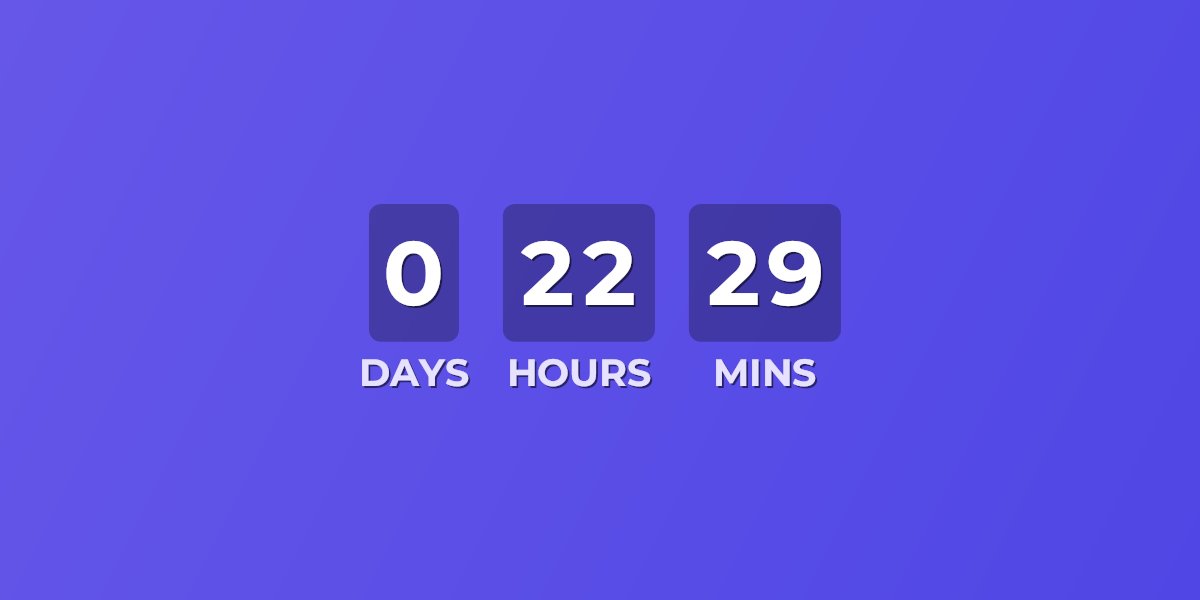
ActiveCampaign's new Email Designer ships a built-in Timer block, and for a simple broadcast it may be all you need. Its limits show up fast, though: it counts to one fixed date and time in a timezone you pick — ActiveCampaign's own docs note it won't reflect each contact's local time — there's no per-contact deadline, and the Classic Designer doesn't have it at all. UrgencyKit adds a countdown as a single image URL instead: your own background and fonts, a deadline you can personalize per contact with a personalization tag, and a custom expired state — working in either designer.
ActiveCampaign's Timer block vs an UrgencyKit embed
| Timer block | UrgencyKit embed | |
|---|---|---|
| Where it works | New Email Designer only | Both designers (HTML block) — and any other email platform |
| Deadline | One fixed date & time | Campaign deadline, or per-contact via ?end= |
| Timezone | One fixed timezone for everyone | Set per campaign — and a countdown shows time remaining, which is the same for every viewer |
| Design | Background color, size, font | Your own background image, 170+ fonts, stacked or inline layouts |
| After expiry | Optional expired image | Alternate image, message, or hide the timer |
If one shared deadline in one timezone works for your send, the native block is right there. The embed earns its place when the timer should match your brand, expire into a designed image, or give each contact their own deadline — the heart of ActiveCampaign's automation-first workflow.
How to add a countdown timer to ActiveCampaign
- Create a campaign in UrgencyKit and set your deadline and timezone.
- Style it — upload a background and pick fonts to match your brand.
- Copy the embed from the editor.
- In the new Email Designer, drag in an HTML block and paste the embed code — or in the Classic Designer, use the HTML content block the same way.
- Send a test and confirm the countdown shows the right time.
width="600" alt="Offer countdown">
Personalize the deadline per contact
ActiveCampaign replaces percent-delimited personalization tags throughout your email
HTML — including inside image URLs, the same pattern its listed image-personalization integrations
use. Store each contact's deadline in a custom field and swap the embed's ?end= value
for the field's tag:
A custom field's tag is its name uppercased with spaces as underscores — a field named "offer
deadline" becomes %OFFER_DEADLINE%. Use a text field holding a Unix
timestamp or ISO 8601 date rather than a Date-type field (Date fields output your account's display
format, which varies) — a text value drops straight into ?end=. Your automations can
set the field per contact, which makes
evergreen countdowns — trial expiries, offer windows
counted from each contact's trigger — a natural fit.
Will it render in my contacts' inboxes?
ActiveCampaign shops lean hard on automations, and the countdown is a plain image — it renders in every automation and campaign send, in Gmail, Apple Mail, Outlook, Yahoo and essentially every client, with nothing for a client to strip. See the full email client support details, including how animated timers behave in Outlook.
Frequently asked questions
Does ActiveCampaign have a countdown timer?
Yes — a Timer block in the new Email Designer, with one fixed deadline and timezone and an optional expired image. No per-contact deadlines, and the Classic Designer doesn't include it.
How do I add a custom countdown timer?
Create a campaign in UrgencyKit, copy the image embed, and paste it into an HTML block — in either designer.
Can each contact see their own deadline?
Yes. Store the deadline in a text custom field and swap the ?end= value for its tag,
like %DEADLINE%, as shown above.
Does it work in the Classic Designer?
Yes — via the Classic Designer's HTML content block, which ActiveCampaign's own docs suggest for adding a countdown clock.