Countdown Timer API
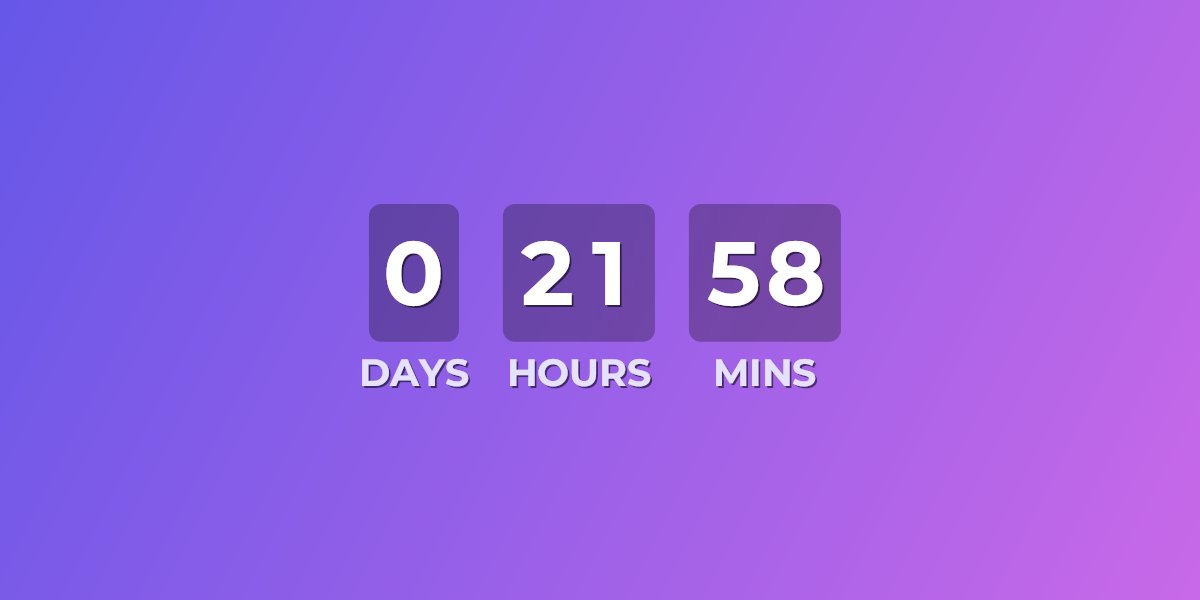

UrgencyKit offers a public REST API to create and manage countdown-timer campaigns programmatically — ideal for CMSs, email platforms, and custom integrations. Instead of building campaigns one by one in the dashboard, your application can provision them on demand, set deadlines, and retrieve ready-to-embed image URLs in a single API call. The API is available on paid plans (Starter & Pro) and authenticated with an API key (Bearer token).
Create a campaign
Send a POST to /api/v1/campaigns with your campaign name, target date, and
timezone. A new campaign starts as a draft and returns its id — upload a
background image, then publish it to make its embedUrl render a live
countdown in any email client.
-H "Authorization: Bearer uk_live_your_token_here" \
-H "Content-Type: application/json" \
-d '{
"name": "Black Friday Sale",
"targetDateUtc": "2026-11-27T00:00:00Z",
"timezone": "America/New_York"
}'
Publish it to go live
A new campaign is a draft. Add a background image, then publish it — publishing returns
the campaign with both a live imageUrl and a ready-to-paste embedHtml
<img> tag.
-H "Authorization: Bearer uk_live_your_token_here"
"id": "a1b2c3d4-5e6f-…",
"status": "Published",
"imageUrl": "https://urgencykit.com/t/black-friday-sale.png?end=…",
"embedHtml": "<img src=\"…\" width=\"600\" alt=\"Black Friday Sale\">"
}
Use it in your emails
Paste the imageUrl — or the embedHtml tag — into any email campaign as-is for a
broadcast where all recipients share the same deadline, or swap the ?end= value for your
email platform's merge tag to give every recipient a personalized countdown:
The ?end= value accepts a Unix timestamp or ISO 8601 date, so it works with whatever
your platform stores.
What the API covers
- Create, update, publish, archive, and delete countdown campaigns.
- Upload background images and reference them on your campaigns.
- Duplicate an existing campaign as a starting point for a new one.
- Read load analytics — opens by day, client breakdown, and geo data.
- Check usage — month-to-date image loads against your plan limit.
Authentication
Create an API token in your dashboard under Account → API tokens. Your token is shown
once at creation time and stored only as a hash — treat it like a password. Pass it as a
Bearer token in every request's Authorization header.
Frequently asked questions
Is the UrgencyKit API free?
The API is available on paid plans (Starter and Pro). Free accounts can create an API token after upgrading.
How do I authenticate with the API?
Create an API token in your dashboard and send it as a Bearer token in the
Authorization header. Your token is shown once and stored only as a hash.
What can the API do?
Anything you can do in the dashboard: create, update, publish, duplicate, archive, and delete countdown campaigns, plus read load analytics and usage.
Can I personalize the countdown per recipient?
Yes. Every campaign returns an embed URL with a ?end= deadline parameter you can replace
with your email platform's merge tag for per-recipient deadlines.