Add a countdown timer to beehiiv newsletters
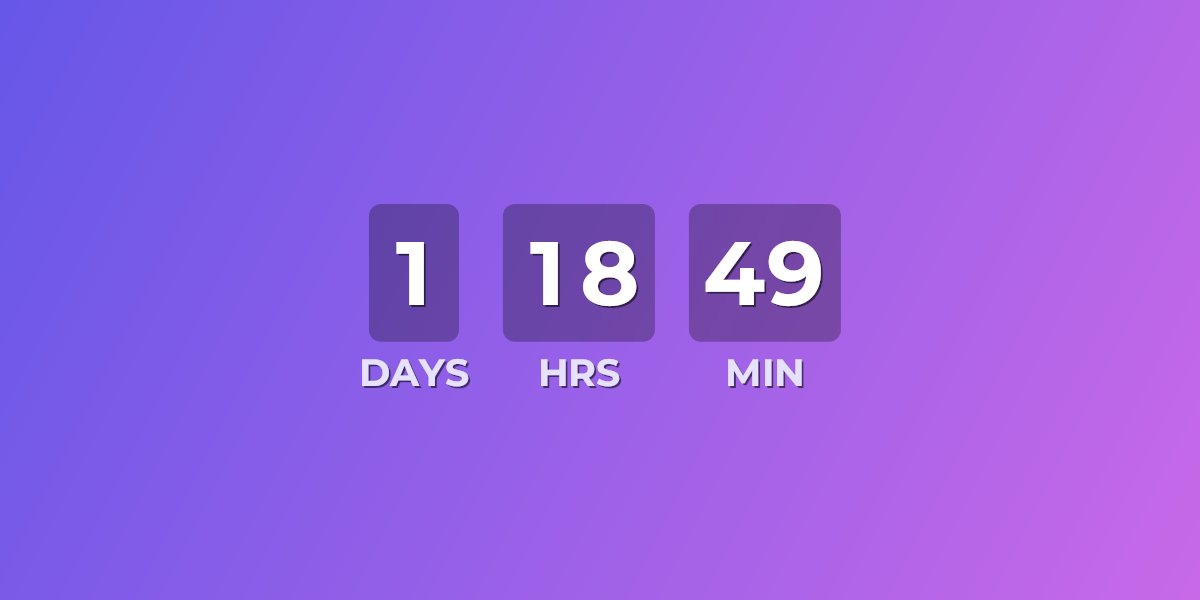
Beehiiv doesn't ship a built-in live countdown timer for newsletters. UrgencyKit adds one as a single image URL you place in your post. Every time a subscriber opens the email, the image re-renders to show the exact time remaining — perfect for paid-subscription presales, product launches, event registrations, and limited-time sponsor offers.
How to add a countdown timer to beehiiv
- Create a campaign in UrgencyKit and set your deadline and timezone.
- Style it — choose a background, fonts, and colors to match your newsletter's brand.
- Copy the embed from the editor.
-
In the beehiiv post editor, add an HTML snippet block and paste the embed code.
Beehiiv supports plain HTML elements like
<img>, so the countdown renders in the sent email. - Send a test to yourself and confirm the countdown shows the right time.
width="600" alt="Presale countdown">
Reuse one timer across every issue
The image URL keeps working after you hit send. Point it at your next deadline in the UrgencyKit dashboard and the same embed shows the new countdown — and when a deadline passes, the timer switches to a custom expired state (an alternate image or message) instead of counting to zero in old issues sitting in inboxes.
Will it render in my subscribers' inboxes?
Yes — it's a plain image, so it displays in Gmail (where most newsletter reads happen), Apple Mail, Outlook, Yahoo and essentially every client. See the full email client support details, including how animated timers behave in Outlook.
Frequently asked questions
Does beehiiv have a countdown timer?
Not a built-in live one for newsletters. UrgencyKit adds it as a single image URL you place in your post with an HTML snippet block, and the image renders the current countdown on every open.
How do I add a countdown timer to a beehiiv newsletter?
Create a campaign in UrgencyKit, copy the image embed, then add an HTML snippet block in the beehiiv post editor and paste the embed code.
Will it work in Gmail?
Yes. The countdown is a standard image, so it displays in Gmail and essentially every email client, and each open requests a fresh image with the current time remaining.