Add a countdown timer to Kit (ConvertKit) emails
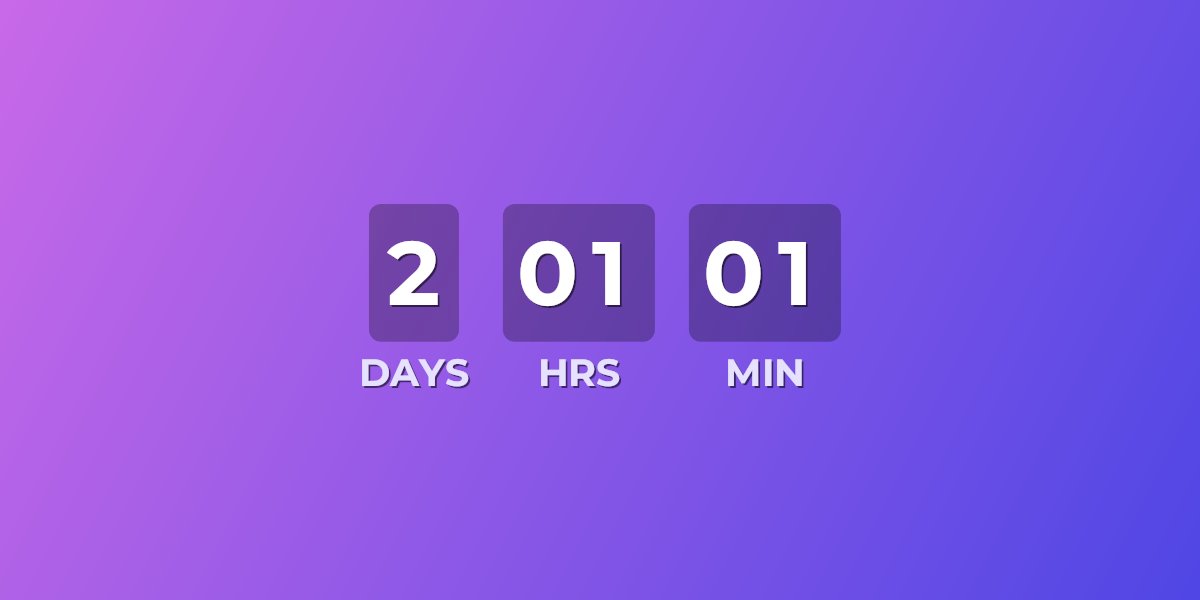
Kit (formerly ConvertKit) does ship a built-in countdown block — and for a simple broadcast it's fine. But it counts to one fixed date and time in your account's timezone, offers three preset styles, and after expiry shows a short text message. UrgencyKit adds a countdown as a single image URL instead: designed on your own background with your fonts, driven by a deadline you can personalize per subscriber, and swapped for a custom image when it expires.
Kit's built-in timer vs an UrgencyKit embed
| Kit countdown block | UrgencyKit embed | |
|---|---|---|
| Deadline | One fixed date & time | Campaign deadline, or per-subscriber via ?end= |
| Timezone | Account timezone | Any timezone per campaign |
| Design | Three preset styles + colors | Your own background image, 170+ fonts, stacked or inline layouts |
| After expiry | Text message (60 characters) | Alternate image, message, or hide the timer |
| Duplicating an email | Copy shares the same timer — editing it changes the original | Each campaign is independent |
| Works outside Kit | Kit emails, forms, landing pages | Any email platform that renders images |
If you just need "sale ends Friday" in a one-off broadcast, Kit's block does the job. The embed earns its place when the timer has to look like your brand, expire into a designed image, or give each subscriber their own deadline.
How to add a countdown timer to a Kit email
- Create a campaign in UrgencyKit and set your deadline and timezone.
- Style it — upload a background that matches your newsletter and pick your fonts.
- Copy the embed from the editor.
- In the Kit email editor, insert an HTML block from the content block menu and paste the embed code.
- Send a preview to confirm the countdown shows the right time.
width="600" alt="Launch countdown">
Personalize the deadline per subscriber with Liquid
Kit personalization runs on Liquid, and custom fields store plain text — which is
exactly what the embed's ?end= value needs. Store each subscriber's deadline in a custom
field (say, deadline) and reference it in the embed:
A custom field's Liquid name is its label lowercased with spaces as underscores — a field named
"cart expiry" becomes subscriber.cart_expiry. The ?end= value accepts a
Unix timestamp or ISO 8601 date, and you can set the field from Kit automations or the Kit API.
Every subscriber then opens to a countdown against their own deadline — the core of an
evergreen countdown, and the thing Kit's built-in
block can't do.
Will it render in my subscribers' inboxes?
Creator newsletters live and die in Gmail and Apple Mail, and both render the countdown image on
every open — it's a plain <img>, the same element Kit's own editor produces for
any picture. See the full email client support details, including how
animated timers behave in Outlook.
Frequently asked questions
Does Kit have a countdown timer?
Yes — a basic block with one fixed deadline, three preset styles, and a short expiry message. UrgencyKit is the upgrade path when you want your own design, a custom expired-state image, or per-subscriber deadlines.
How do I add a custom countdown timer to a Kit email?
Create a campaign in UrgencyKit, copy the image embed, then insert an HTML block in the Kit editor and paste the embed code. Works in broadcasts and sequences alike.
Can each subscriber see their own deadline?
Yes. Store the deadline in a Kit custom field and swap the ?end= value for its Liquid
tag, as shown above.
Why does editing a duplicated email change my original Kit timer?
Kit's built-in countdown block is shared with duplicates of the email — editing the copy's timer alters the original. UrgencyKit campaigns are independent image URLs, so duplicated emails stay decoupled.