Add a countdown timer to HubSpot emails
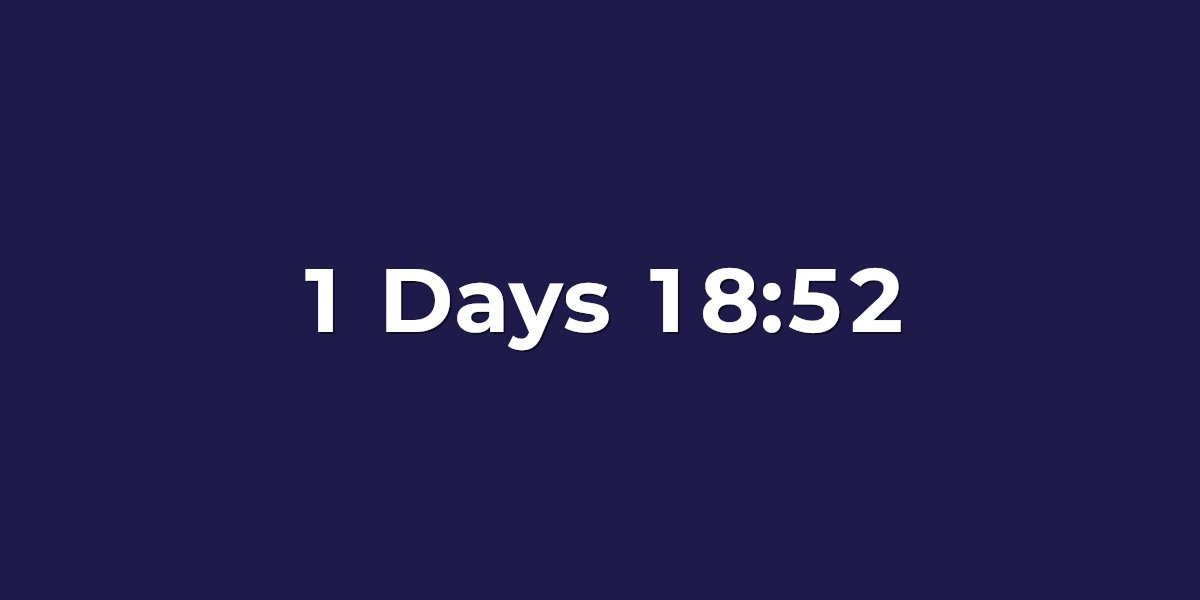
HubSpot doesn't ship a built-in live countdown timer for marketing emails — and most timer widgets from the marketplace bring JavaScript that email clients strip. UrgencyKit adds a countdown as a single image URL you drop into your email. Every time a contact opens it, the image re-renders to show the exact time remaining — creating real urgency for promotions, event registrations, and renewal deadlines.
How to add a countdown timer to HubSpot
- Create a campaign in UrgencyKit and set your deadline and timezone.
- Style it — choose a background, fonts, and colors to match your brand.
- Copy the embed from the editor.
- In the HubSpot email editor, paste it into a rich text module (via the source-code view) or a custom HTML module.
- Send a test to yourself and confirm the countdown shows the right time.
width="600" alt="Offer countdown">
Personalize the deadline per contact
Running per-contact offers, trial expirations, or renewal reminders? The embed includes a
?end= value that overrides the campaign's default deadline. Swap it for a HubSpot
personalization token referencing a contact property that holds each contact's end
time, and everyone sees their own countdown:
The ?end= value accepts a Unix timestamp or ISO 8601 date. A single-line text contact
property holding either format is the most reliable choice — set it from a workflow, an integration,
or the HubSpot API.
Will it render in my contacts' inboxes?
HubSpot lists skew B2B — which means Outlook, the client where most countdown tools fall apart. UrgencyKit's static timers render identically in every Outlook version, and animated timers animate in Outlook on the web, Microsoft 365, and 2021. Gmail, Apple Mail, and the rest render the plain image without fuss — see the full email client support breakdown.
Frequently asked questions
Does HubSpot have a countdown timer for emails?
Not a built-in live one for marketing emails. UrgencyKit adds it as a single image URL you paste into a HubSpot module, and the image renders the current countdown on every open.
How do I add a countdown timer to a HubSpot email?
Create a campaign in UrgencyKit, copy the image embed, then paste it into a rich text module (source-code view) or a custom HTML module in the HubSpot email editor.
Can each contact see their own deadline?
Yes. Replace the ?end= value with a HubSpot personalization token for a contact property
containing each contact's deadline, and every recipient gets a personalized countdown.