Flash sale countdown timers for email
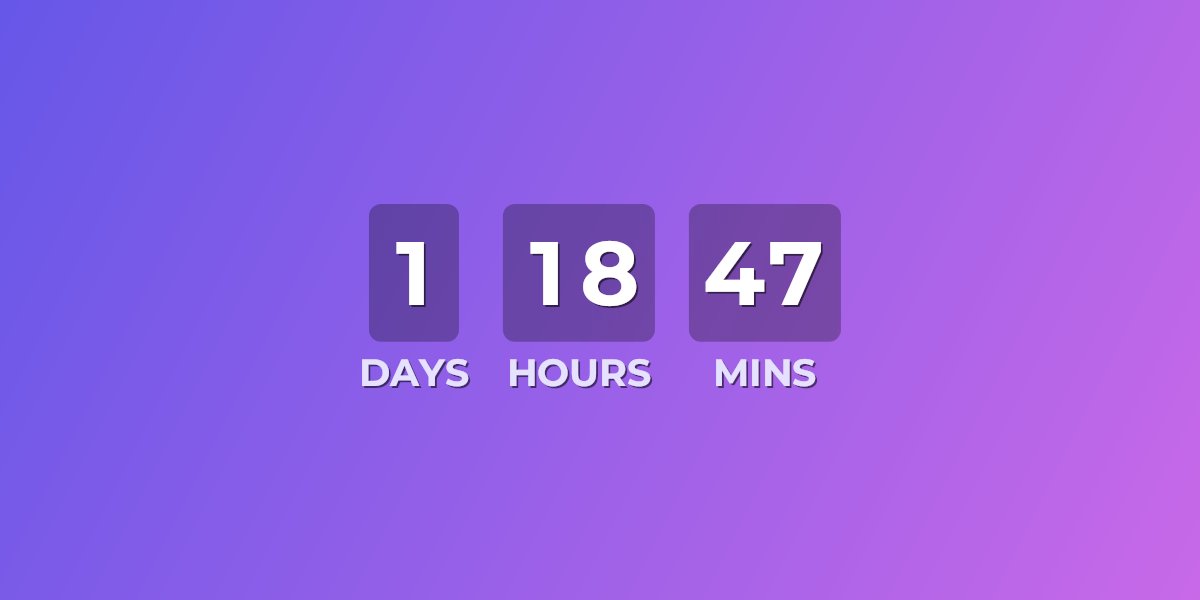
"Ends soon" is easy to ignore. Ends in 6 hours, 42 minutes is not. UrgencyKit puts a live countdown in your promotional emails as a standard image — it renders the exact time remaining every time the email is opened, in Mailchimp, Klaviyo, Brevo, or any platform, with no JavaScript.
One embed carries the whole campaign arc
Because the image re-renders on every open, the same embed URL works across your entire promotion:
- Announcement — "3 days to shop" builds anticipation.
- Mid-sale reminder — the same timer now reads in hours, doing the urgency work for you.
- Last call — final hours and minutes; opened twice, it shows less time the second time.
Shoppers who reopen the announcement email on the last day see the real remaining time — not the "3 days left" it said when you sent it.
How to add a countdown to your sale emails
- Create a campaign in UrgencyKit with the sale's end date and timezone.
- Style it — upload a promo background from Canva or Figma and match your brand.
- Copy the embed and paste it into every email in the promotion.
- Set the expired state so post-sale opens see the right message.
width="600" alt="Sale countdown">
Animate the final seconds
For last-call emails, paid plans can enable the Seconds segment — the timer becomes an animated GIF ticking second by second, which is hard to scroll past. It animates in Gmail, Apple Mail, and every current Outlook including Microsoft 365; only legacy Outlook 2019 and earlier show a clean first frame instead of the broken artifacts other tools produce.
When the sale ends
The timer switches to a custom expired state — a "sale ended" image, a teaser for the next drop, or nothing at all. Emails opened after the deadline never advertise an offer that's gone, which protects both conversions and trust.
VIP early access and per-customer deadlines
The embed's ?end= value can be swapped for a merge tag — so VIP segments see their early
access ending before the public deadline, or each customer gets an individually expiring offer. See
how evergreen countdown timers work.
Frequently asked questions
How do I add a countdown timer to a sale email?
Create a campaign with the sale's end date, copy the image embed, and paste it into your announcement, reminder, and last-call emails. Every open renders the current time remaining.
What happens when the sale ends?
The timer switches to a custom expired state, so post-sale opens see a "sale ended" message instead of a dead countdown.
Can the countdown animate in the final seconds?
Yes — on paid plans, enabling the Seconds segment delivers an animated GIF that ticks second by second.
Can different customers get different deadlines?
Yes. Swap the ?end= value for your platform's merge tag for per-segment or per-customer
deadlines.