Add a countdown timer to Klaviyo emails
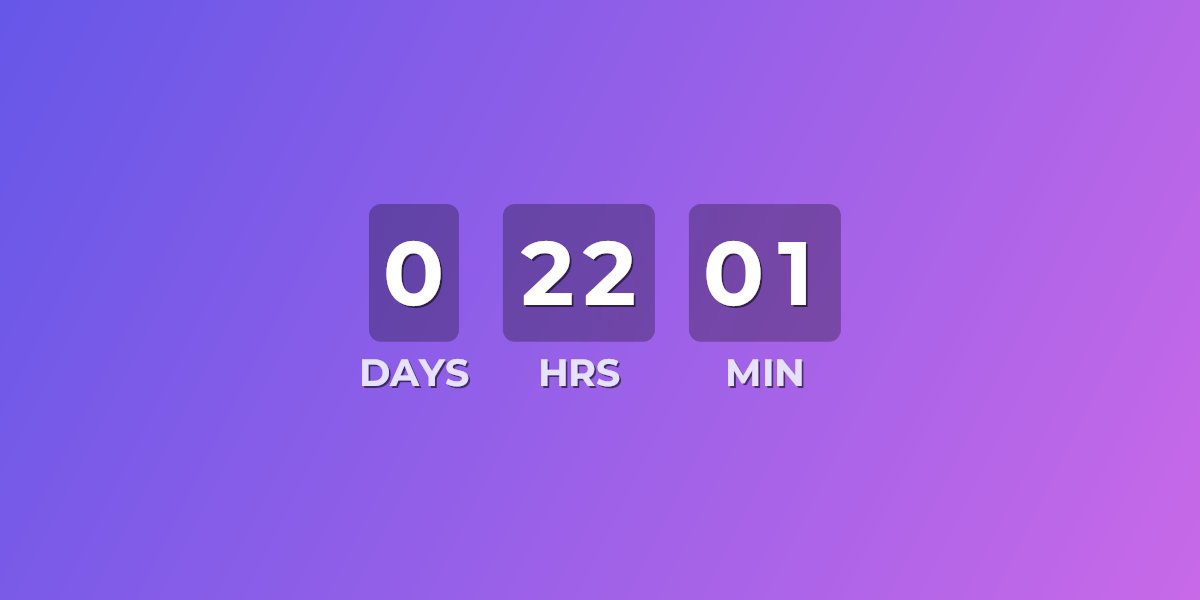
Klaviyo doesn't ship a built-in live countdown timer for emails. UrgencyKit adds one as a single image URL you drop into a Klaviyo block — in both one-off campaigns and automated flows. Every time a recipient opens the email, the image re-renders to show the exact time remaining, which is especially powerful in abandoned-cart and time-limited-offer flows.
How to add a countdown timer to Klaviyo
- Create a campaign in UrgencyKit and set your deadline and timezone.
- Style it to match your brand — background, fonts, and colors.
- Copy the embed from the editor.
- In the Klaviyo editor, add an image block (or a text / HTML block for full control) and use the UrgencyKit image URL.
- Send a preview to confirm the countdown shows the right time.
width="600" alt="Offer countdown">
Personalize the deadline in a flow
For abandoned-cart and evergreen timers or per-recipient offers, the embed includes a ?end= value that
overrides the default deadline. Swap it for a Klaviyo profile or event property holding
each recipient's end time, and every person in the flow sees their own countdown:
The ?end= value accepts a Unix timestamp or ISO 8601 date — both formats Klaviyo event
and profile properties commonly hold. Flow-triggered properties (a checkout event's timestamp, an
offer-expiry date your integration writes) work as-is.
Will it render in my recipients' inboxes?
Klaviyo audiences are overwhelmingly consumer inboxes — Gmail and Apple Mail above all — and both
render the countdown image on every open. Because it's a plain <img>, there's
nothing for a client to strip: no scripts, no custom code blocks. See the full
email client support details, including how animated timers behave in
Outlook.
Frequently asked questions
Does Klaviyo have a countdown timer?
Not a built-in live one for emails. UrgencyKit adds it as a single image URL you paste into a Klaviyo block, in both campaigns and flows, and the image renders the current countdown on every open.
How do I add a countdown timer to a Klaviyo email?
Create a campaign in UrgencyKit, copy the image embed, then add an image or text/HTML block in the Klaviyo editor pointing at the UrgencyKit image URL.
Can a flow show each recipient their own deadline?
Yes. Replace the ?end= value with a Klaviyo profile or event property containing each
recipient's deadline, and every recipient in the flow gets a personalized countdown.